31,684 ONLINE RIGHT NOW
Tonight, someone
is live for you.
BuzzCast is a live streaming app with live chat rooms, right in your browser. Real hosts are on camera this minute: drop into a room, say hi in the chat, send a gift, or tap once to talk privately with someone you have never met.
- 31,684
- online now
- 1v1
- private calls
- 24/7
- someone live
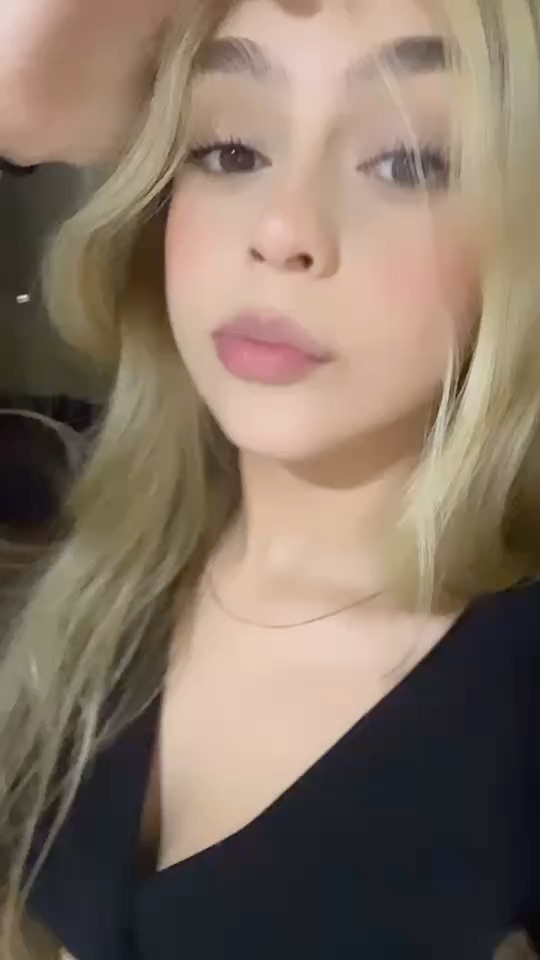
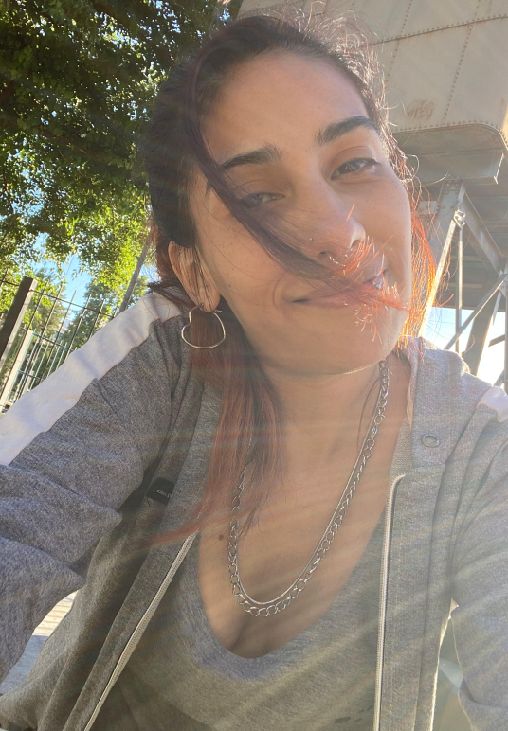

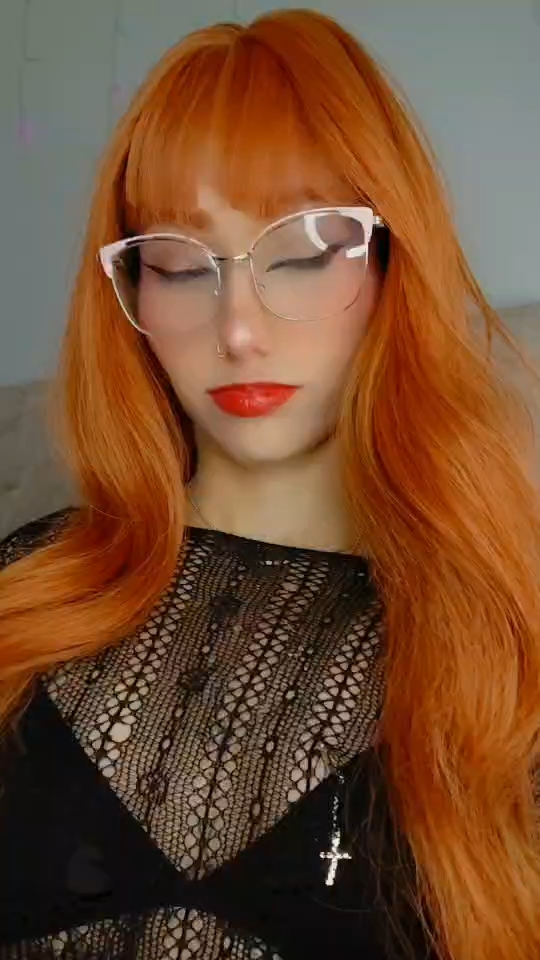
 CherrySINGING NOW
 NicoleLATE-NIGHT TALK
 BellaDANCE BREAK
 LucyCHILL CHAT
 CHAT
CHAT TALK
TALK SINGING
 DANCE
DANCE LATE NIGHT
 1V1 CALLS
 GOOD VIBES
01 / faces tonight
Hosts you'd hate to miss.




02 / discover
Built for the spark, not the scroll.
SPARK MATCH
One tap. A real face, a real hello.
No feed to doom-scroll. Start match finds someone else who is waiting right now, typically in seconds, and drops you both straight into a video call.
TRANSLATE IN CHAT
Say hi in any language.
Got a message you cannot read? Tap translate on it in the chat and it switches to your language, so a match from another country is still easy to talk to.
- EN
- ES
- PT
- FR
- AR
- + MORE
LIVE ROOM CHAT
Talk to the host on air.
Comments scroll over the stream, hosts answer them out loud, and anyone in the room can join in. Sit quietly or make yourself known.



 +YOU
+YOUGIFTS & FOLLOWS
A thank-you the whole room can see.
Liked a song or a story? Send a gift and it lands on screen with your name on it. Follow the host and a badge tells you the next time they are live.
buzz cast, explained
A live room when you want company, a private call when you want to talk
Some evenings you just want to watch. Others you want someone to actually look back at you. BuzzCast does both from one tab. The Live tab is a row of live chat rooms, each one a host broadcasting right now, and you can hop between them, read the chat and add a comment whenever you feel like it. When watching is not enough, Start match is the other door: a private 1v1 video call, two people, no audience.
Everything lives on the web at buzzcast.cam, so there is no store page and no download standing between you and the first hello. Whether you type BuzzCast, buzz cast or plain buzzcast, you arrive at the same address. Phones get a snug, app-style layout; laptops give the streams more room to breathe.
Rooms that are live this minute
Every room in the Live tab is a host streaming right now. Swipe for the next one whenever you like.
A private line when you want one
Start match pairs you with one person for a one-on-one video call. Nobody else joins, nobody else watches.
No install, no waiting
BuzzCast opens in Safari, Chrome or any modern browser, so the first hello is seconds away.
live room or private call
Not sure which to try first? Pick your pace.
Watching a room asks nothing of you: the host does the talking while you get a sense of the vibe. A one-on-one call flips that around and feels personal from the first hello. Most people end up doing both in the same night.
| Watching a live room | A 1v1 video call | |
|---|---|---|
| On screen | A host streaming to everyone in the room | One person, who sees you too if your camera is on |
| How you join in | Comments in the live chat, plus gifts if you feel like it | Talking face to face, or switching to voice or text |
| How to get there | Open the Live tab, then swipe up or down | Press Start match; a partner shows up within seconds |
| Good for | Easing in, people-watching, finding a host to follow | A real conversation with no audience |
| Price | Free to watch; gifts are paid in coins | A few matches on the house, then coins |
Rooms, hosts and the best hours are covered on the BuzzCast Live page.
Three taps from hello
How BuzzCast works →- 01
Open buzzcast.cam
Your guest session is ready before the page finishes loading. No form, no email to confirm.
- 02
Watch live, or tap Start match
Drop into a live room to see who is around, or go straight to a private one-on-one call with a new face.
- 03
Follow, stay or swipe on
Stay as long as the vibe is good. Follow the people you like so you can find them again. The next room is one swipe away.
inside a live room
Every button in a room, in one minute
New to live stream chat? A room looks busy at first glance, but there are only a few things worth knowing.
- Swipe to change roomsSwipe up for another host, down for the one you just left. Each stream starts as soon as it loads.
- Type in the live chatYour comment floats over the stream, and most hosts read the chat out loud and reply on air.
- Send a giftGifts land on screen for the whole room to see. They use coins, and the host can see who sent them.
- Follow a hostFollowing saves the host to your list and shows a live badge next time they go on air.
- Go one-on-oneThe Start Video Chat button inside a room opens a private call with that host, away from everyone else.
- Rooms with an entry ruleA few rooms ask for a gift ticket, a follow or a paid account. The entry screen tells you before you spend anything.
safety, built in
Good nights need an easy exit
Meeting strangers on camera only feels relaxed when leaving is effortless. On BuzzCast the next, report and block buttons sit one tap from whatever screen you are on. What we store and why is spelled out on is BuzzCast safe.
- Report or block from inside any room or call; a blocked account never shows up for you again
- Moderators review reports day and night and remove accounts that break the rules
- Voice and text modes let you chat with your camera dark
- Members must be 18+, and accounts that look underage get pulled
Everything on BuzzCast
Sitemap →BuzzCast Live
How live chat rooms work here, when they are busiest, and how a stream becomes a private call.
OPEN →BuzzCast Video Chat
One camera, one stranger: what a BuzzCast 1v1 video call feels like and how to make it a good one.
OPEN →BuzzCast App & Web
Use BuzzCast on the web from iPhone, Android or a computer, and pin it to your home screen like an app.
OPEN →Is BuzzCast Free?
What costs nothing, what the reward center gives you, and exactly where coins come in.
OPEN →Is BuzzCast Safe?
Is BuzzCast legit, how moderation works, and the scams worth recognising early.
OPEN →How BuzzCast Works
The whole flow, from the first tap to following someone you clicked with.
OPEN →Also: About BuzzCast · Safety tips · Contact
- 31,684online nowlive rooms and new faces around the clock
- 1person per callprivate, never a group
- 3ways to talkvideo, voice or text
- 0forms to fillguest access from the first tap
people ask
BuzzCast questions, answered
Still wondering about money or downloads? Read is BuzzCast free or our web app guide.
What is BuzzCast?
BuzzCast is a live streaming site with live chat rooms and private one-on-one video calls. Watch a host, join the room chat, send a gift, or hit Start match and a stranger joins you on a private call moments later. Everything runs in your browser at buzzcast.cam.
What are live chat rooms on BuzzCast?
A live chat room is a host streaming on camera with a comment stream running alongside. Viewers type messages, the host reads and answers them on air, and anyone can send a gift or follow. You find the rooms in the Live tab and move between them with a swipe.
Is BuzzCast a live streaming app?
For viewers, yes: it works like a live streaming app in the browser. You can watch as many rooms as you like. There is no button for viewers to start a broadcast of their own, so think of it as a place to watch hosts and to meet people one-on-one.
How do I start a 1v1 video call?
Press Start match from any page. Within seconds another waiting member is matched with you and the call opens on video. You can also call a host directly with the Start Video Chat button inside their room.
Do I need to sign up?
No. A guest session starts automatically the first time you open the site, so a live room or a call is one tap away. Linking a sign-in later is only useful if you want your coins and follows on another device.
Is BuzzCast free?
It is free to start. Watching live rooms costs nothing, first visits include a handful of free matches, while the reward center sprinkles small extras over active members. Coins are used for gifts, longer calls and private calls with hosts. The BuzzCast free page lays out exactly where the line is.
Do I need to download the BuzzCast app?
Nothing to download: BuzzCast is a website that works in any current mobile or desktop browser, and you can save it to your home screen for a full-screen icon. We do not offer an APK, so skip any site that claims to have one.
Can I chat without turning my camera on?
Yes. A match opens on video by default; switch to voice for camera-off chatting, or to text if you want the mic muted as well. In live rooms you only watch, so your camera is never on there.
Does BuzzCast have games or party rooms?
No. BuzzCast here is about live rooms you watch and private one-on-one calls. There are no game rooms, no group calls and no multi-person stages.
I typed buzz cast, buzzcas, buzzxast or buzcast. Did I land in the right place?
Yes. Lots of people reach us by typing buzz cast with a space, or by slipping a letter as buzzcas, buzzxast or buzcast. Whichever spelling got you here, this is BuzzCast on buzzcast.cam, and the live rooms and the Start match button work the same way.
Who will I meet?
Hosts and members from many countries, with the busiest hours falling in the American and European evening. Matches are random, so one call might be from your own time zone and the next from the other side of the world.
What if someone is rude?
End the call with one tap and use the report and block buttons beside it. A blocked account never appears in your matches again. Keep your address, workplace and social accounts to yourself, especially with people you have just met.